Rosters
Build the week, publish it, and everyone has it on their phone.
Built on the floor of a working restaurant
The roster, the time clock, the checklists, the prep, the labels, the recipe book and the ordering. On the tablet on the wall, on everyone’s phone, and on the laptop in the office.

A published week of the roster, as a manager builds it.
Smokestacks runs Smokey Dan's every day: the roster, the clock, the timesheets that go to Xero, the checklists, the labels and the recipe book. It is now being set up for a second venue.
What it does
Nine of them, in one place instead of six apps. Every one is a screen that exists and gets used in a working kitchen, not a plan.
Build the week, publish it, and everyone has it on their phone.
Staff clock on at the tablet. The week comes out as a timesheet.
Approve the hours and send them to payroll, without retyping them.
Post once. It reaches the phones and the shop tablet, and says who has read it.
Ticked off on the tablet, handed over mid-shift, and you can see what was missed.
Tonight's list for the kitchen, printed on paper for the morning.
Prep and use-by labels, printed on the label printer on the bench.
Every recipe on the tablet, scaled to the batch you are actually making.
Suppliers, orders, invoices checked off, and what a price did last month.
Where it runs
A kitchen is not a desk. The same information turns up in the shape of whatever you happen to be holding.
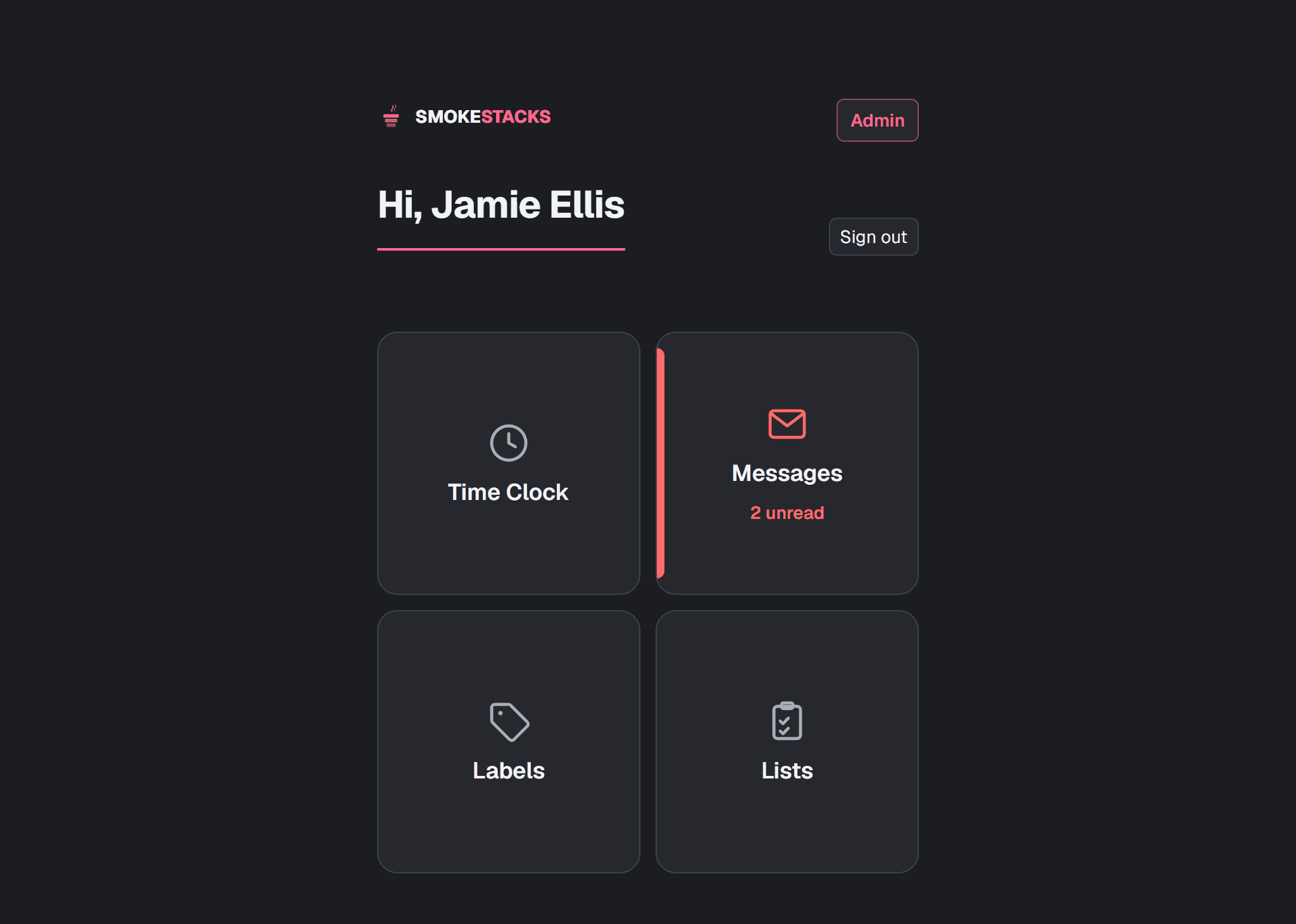
One screen in the kitchen. Tap your name, put in your PIN, and you are on the clock. The same tablet holds the messages, the lists, the labels and the recipes, and it only works from inside the venue.
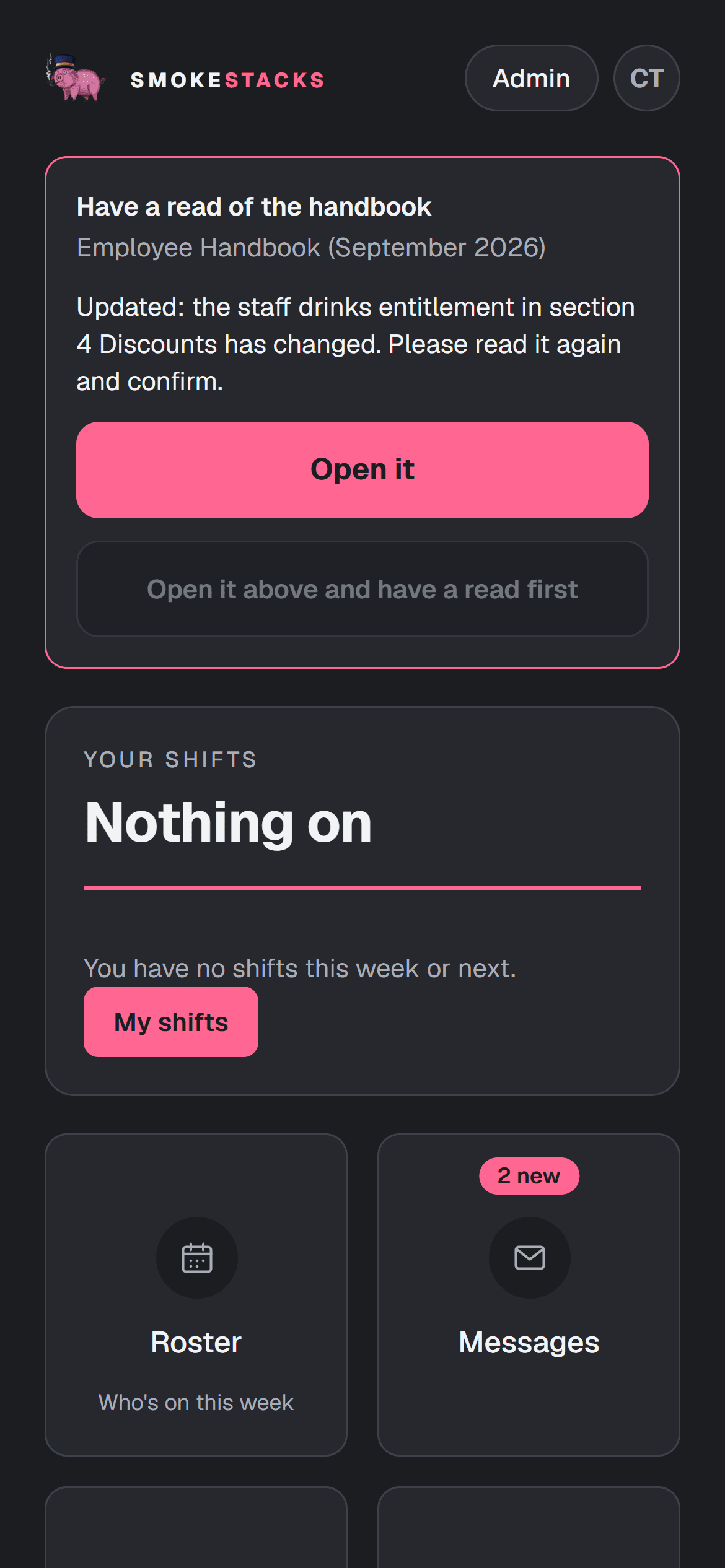
Every staff member gets a link by text that opens on their own page: their shifts, the roster, their messages, and asking for time off. They save it to their home screen and it behaves like an app.
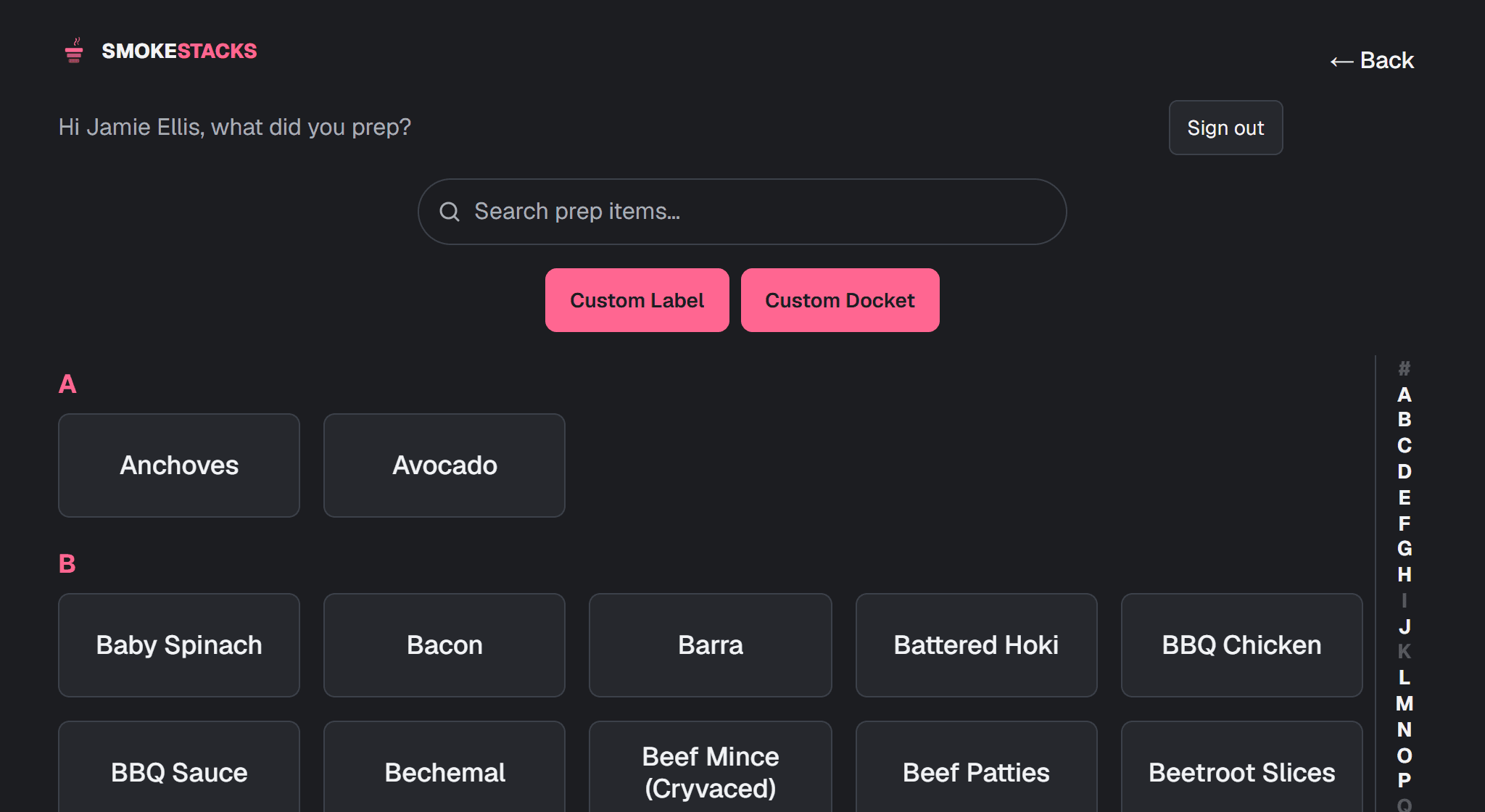
Use-by and prep labels to the label printer on the bench. Prep sheets to the office printer in the morning. Recipe dockets in the kitchen. The bits of paper a kitchen actually uses, printed from the same place the roster lives.
Already using it
Different doors for different people. Take the one that matches what you are holding.
Staff do not have a password. Your own page arrives as a link by text from your manager, and you keep it by saving it to your home screen. If you have lost it, ask your manager to send it again.
For your venue
If you run a restaurant, a cafe or a bar, say what you are after and you will get a straight answer from a person about whether it fits. Not a sales call.